Selected early access

Keep work moving.

RapidAction is work coordination software for teams whose work crosses functions. Give actions, blockers, commitments and decisions one clear accountable person and a relevant date, and see what's missing, so the next move doesn't wait for the next meeting.

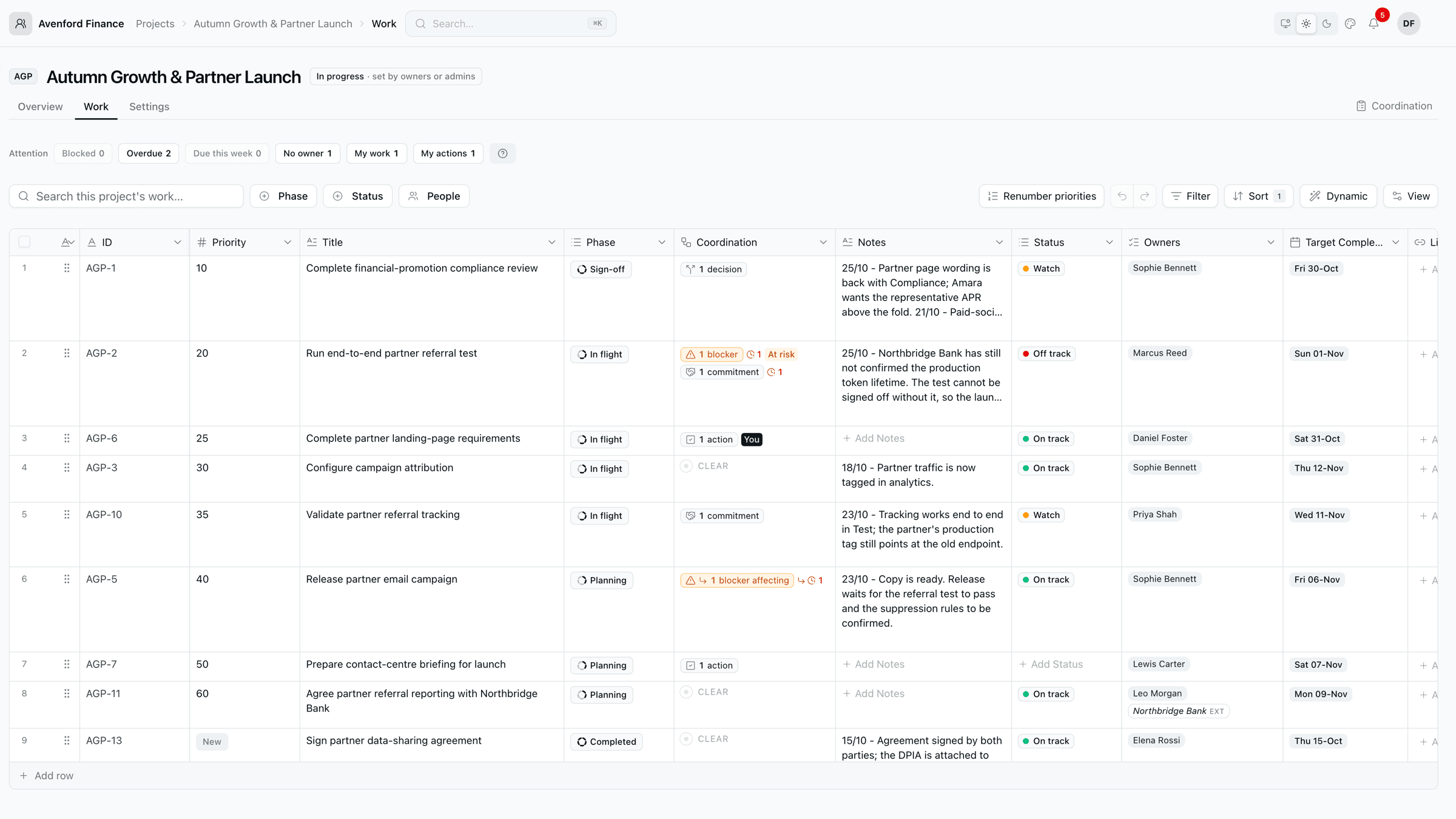
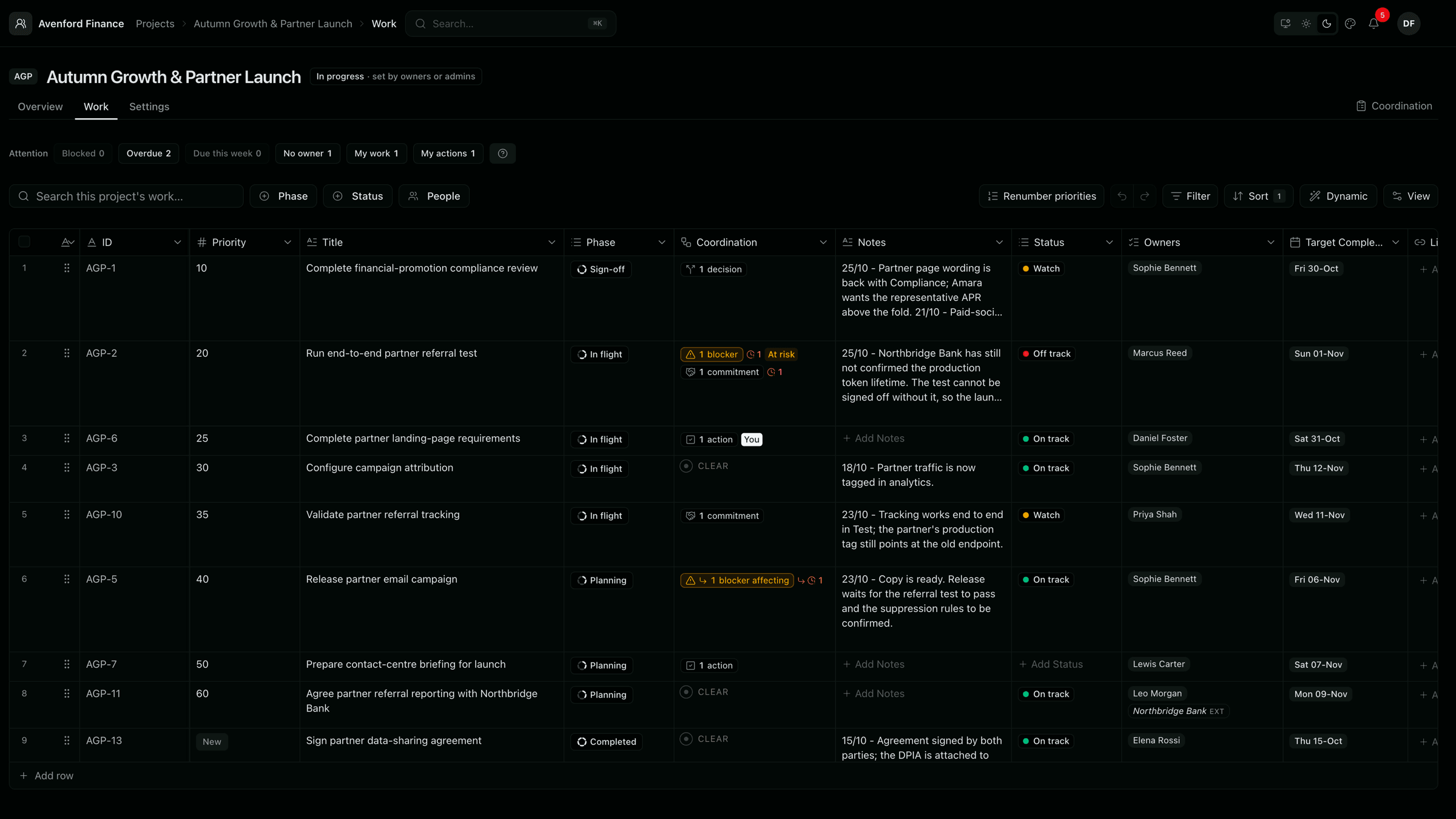
A project's Work Grid listing work items with their phase, coordination, notes, status, owners and target dates

Cross-functional work stalls when no one owns the next move.

The work is tracked. The coordination isn't.

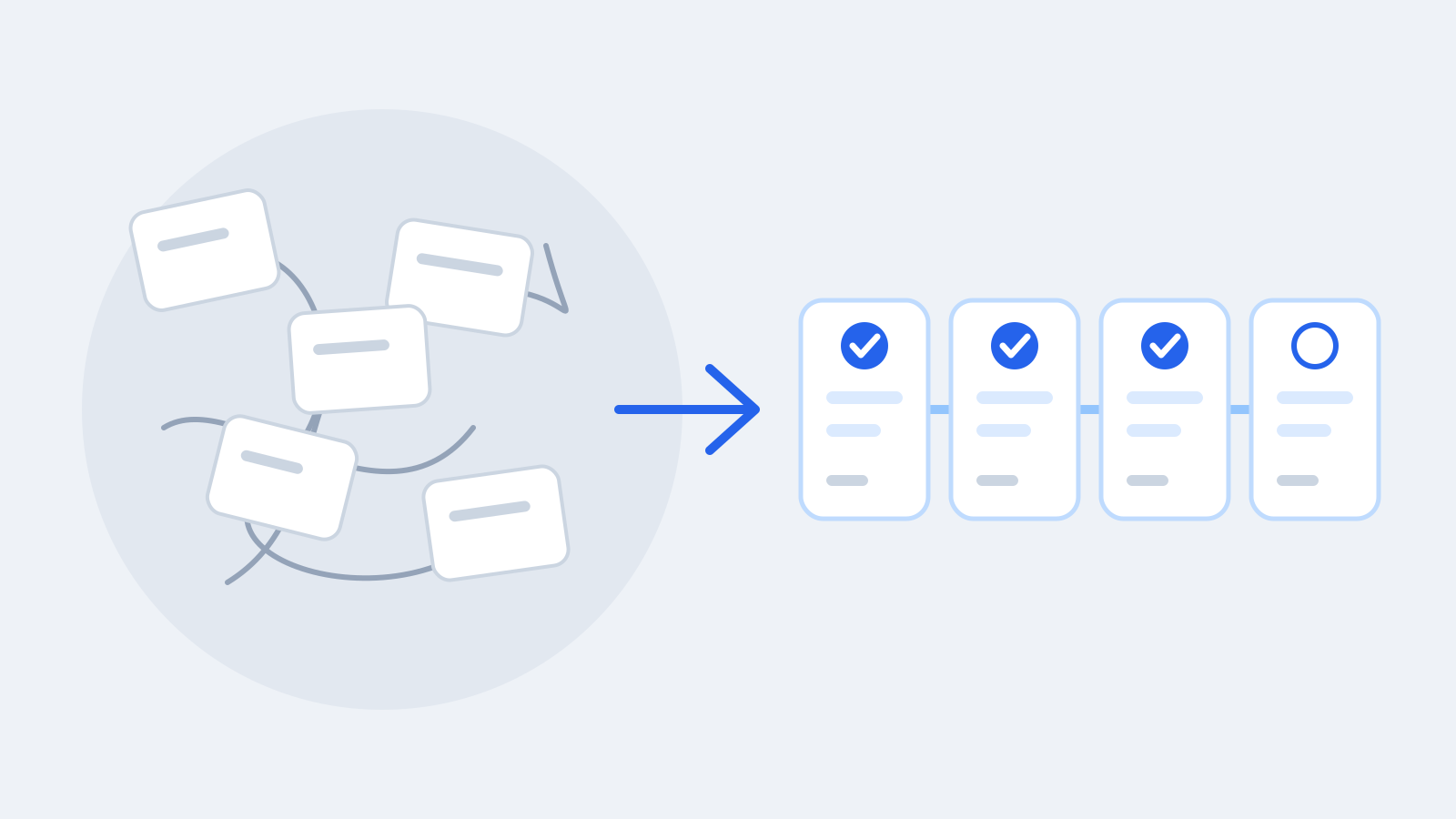
Most teams already track tickets in Jira, GitHub or Linear. What drifts is the work between them: the next step nobody owns, the blocker only one person knows about, the promise that quietly slipped, the decision waiting for the next meeting.

  • Next steps drift.

    Everyone knows something needs to happen. Nobody has made the owner and the date explicit.

  • Blockers surface late.

    The people who could clear a blocker hear about it after it has already cost a week.

  • Decisions wait for the meeting.

    The same open question comes back every week because no one owns the answer.

The spreadsheet keeps reappearing because it captures this layer. It also depends on one person keeping it alive.

Product

The work between the tasks, in one place

Actions, Blockers, Commitments and Decisions live on the work they belong to, so ownership, dates and open questions stay visible between meetings.

A project's Work Grid listing work items with their phase, coordination, notes, status, owners and target dates

See each project's work in one grid.

Run each project from a shared, spreadsheet-like Work Grid: owners, phases, target dates, notes, your own custom columns, and links to the tickets that live in other tools.

  • Shape it to how you work

    Add the columns your team actually tracks.

  • One layout for the team

    Column order and visibility are shared, so everyone reads the same grid.

  • Your own views

    Save your own filters and sorts without changing anyone else's.

A work item's side panel beside the Work Grid, showing its Coordination section: an overdue, high-severity blocker with its resolution owner and target date, and an overdue commitment with who promised it and for when

Know what happens next.

Every work item carries its Actions, Blockers, Commitments and Decisions, each with its own way of being closed. Give each one a clear accountable person and a relevant date. Commitments always need an accountable owner and a date; if only a department is known, RapidAction shows that a named owner is still needed, and anything missing an owner or a date says so.

  • One owner, never a committee

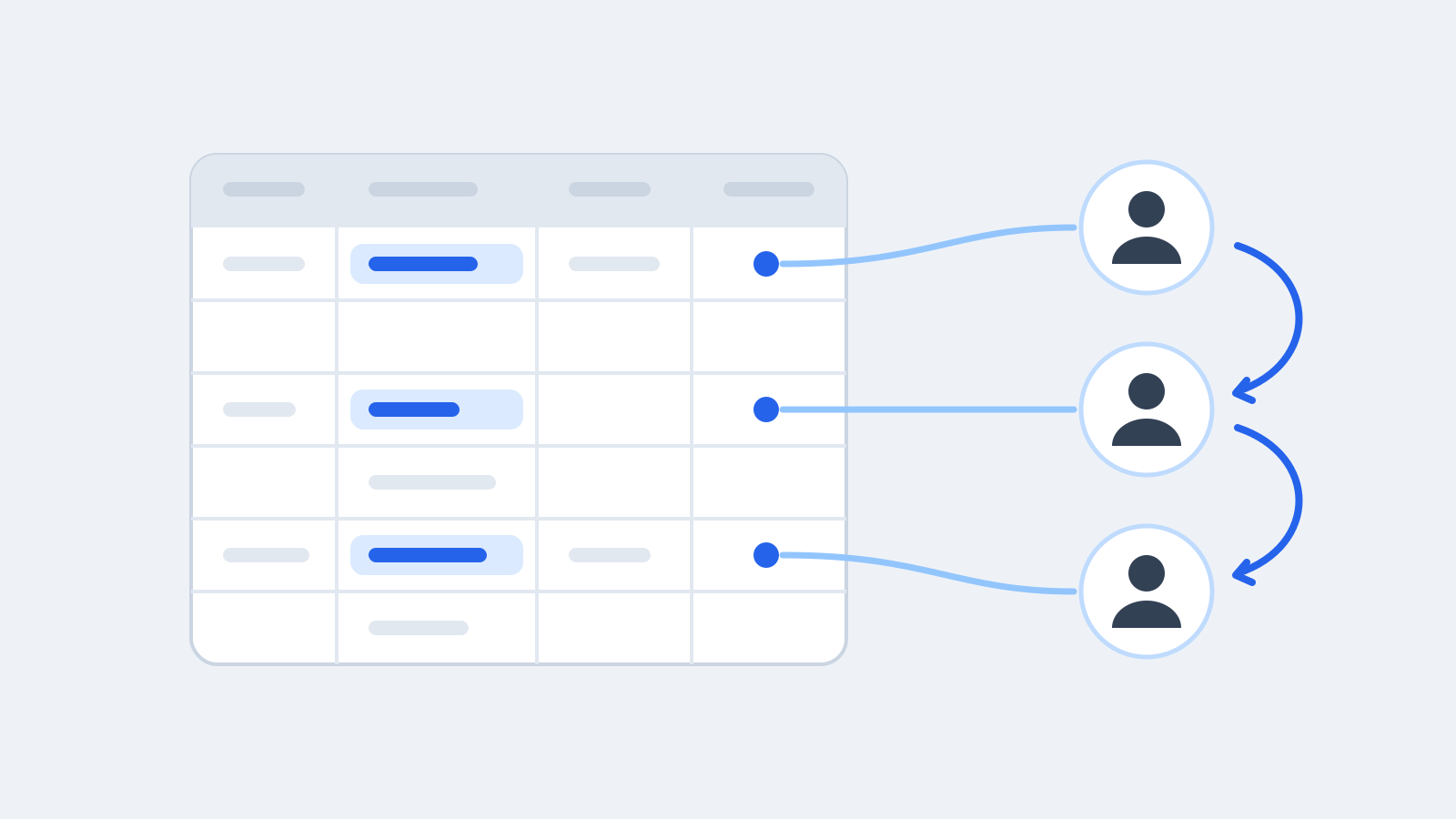
    Each record supports one clear accountable person rather than a committee, and missing ownership is shown.

  • Decisions are recorded, not remembered

    When a decision is made it becomes a permanent record. A later change adds a correction; it doesn't rewrite history.

  • No loose ends at closure

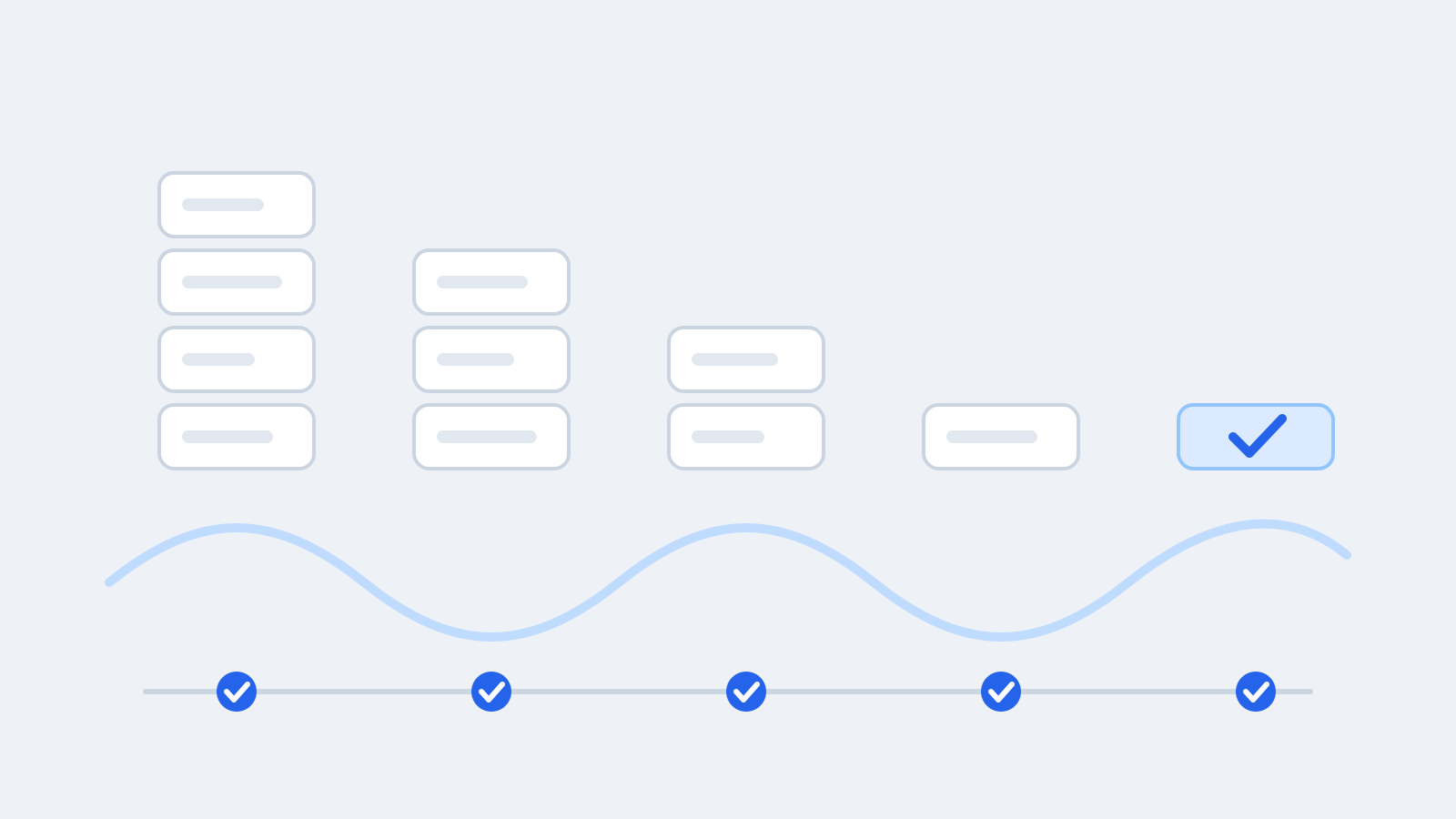
    Before work is closed, RapidAction asks what should happen to anything still open.

The Coordination page showing 30 active records across projects, with counts by record type, a work item code lookup and project, owner and state filters; the list shows each record's title, date, owner, work item and project

Bring coordination into one view.

Review actions, blockers, commitments and decisions across projects in one place. Filter by project, owner or record type, then open a record to review its context.

  • Across projects

    Records from your workspace's projects in one list, active ones soonest first. Switch to history, or show both.

  • Find the right records

    Narrow by type, project, owner or state, with record counts beside each choice, or look up one work item by its code.

  • Review with context

    Open a record to see its work item, its project and that work item's other coordination, then step to the next record.

The Dashboard showing open work that is off track, blocked, at risk or overdue, how each project is progressing, and the decisions and actions that need you

Focus on what needs attention.

Start the day with what is yours and what is stuck: open work that is off track, blocked, at risk or overdue, what's coming up in the next two weeks, and the items waiting on you.

  • Your work, in one list

    My work gathers everything you own or contribute to, across projects.

  • Exceptions first

    Blocked, at-risk and overdue work is counted and one click away, never summed into a vague score.

  • Told when it's yours

    When work is newly assigned to another current teammate, they get an in-app notification; assignment email is on by default and sent on a best-effort basis.

Useful before everyone has joined

RapidAction starts with one operator. You don't need the whole team signed up to get the coordination out of your head and into one place.

  • Enter it on someone's behalf.

    Record work for colleagues; RapidAction shows who entered it and who owns it.

  • Assign people you've invited.

    Give work to someone who hasn't joined yet; it becomes theirs when they accept the invitation.

  • Name people outside the workspace.

    Record an owner outside the workspace by name, without giving them access.

  • Know when only a team is known.

    If you only know the department, RapidAction shows it needs a named owner.

Where it fits

For work that depends on several teams.

  • Product launches and software releases
  • Operational and business change with several teams involved
  • Technology delivery programmes
  • Logistics, supply chain and service operations

The RapidAction Method

Momentum is built through follow-through.

Close actions when they're done. Surface blockers when they appear. Keep commitments or renegotiate them openly. Get decisions made and recorded. Ordinary practices, done quickly and consistently, are what keep work moving. The method is how we think about coordination. The software is where it happens.

  • Accountability follows the work, not the meeting calendar
  • Every commitment needs one named owner
  • Review exceptions, not status
Explore the method

Practical guides

Short, practical reading on keeping cross-functional work moving.

All guides
  • Why work stalls even when every task is tracked

    Action drift is the slow loss of momentum in the work between tasks: the next step nobody owns, the blocker only one person knows about, the promise that quietly slips. Here is how to spot it and repair it.

  • Don't let the next meeting become the deadline

    When accountability only happens weekly, work drifts until the day before the meeting. A short, preferably asynchronous daily check keeps commitments visible and brings blockers and decisions forward — without adding another meeting.

Frequently asked questions

Keep work moving.

RapidAction is opening to a small number of teams at a time. Tell us what you're coordinating.