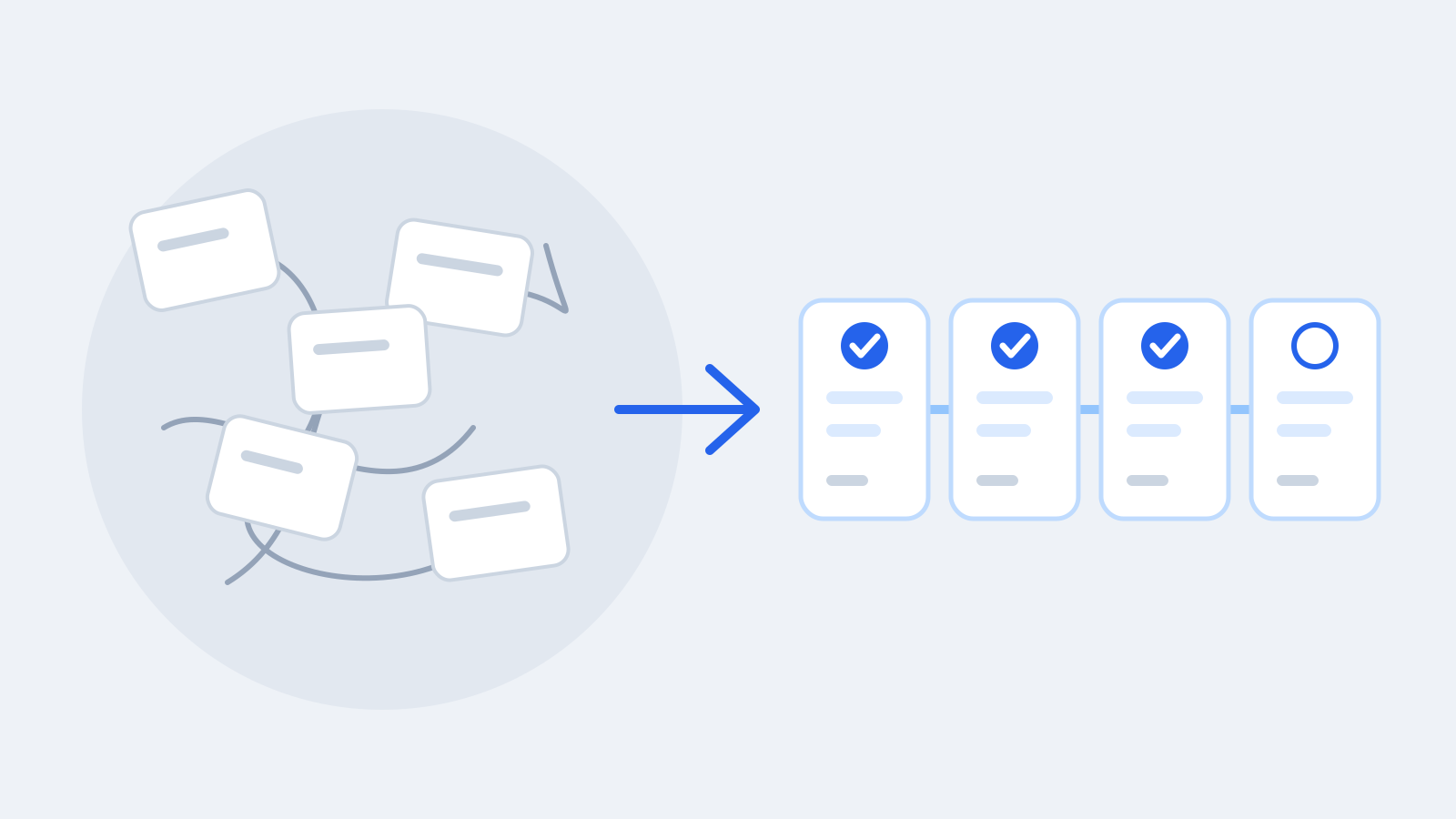
Why the spreadsheet keeps becoming the real operating system
The coordination spreadsheet keeps reappearing because it captures something your other tools do not. Here is what it does well, where it stops scaling, and what to keep when you move beyond it.
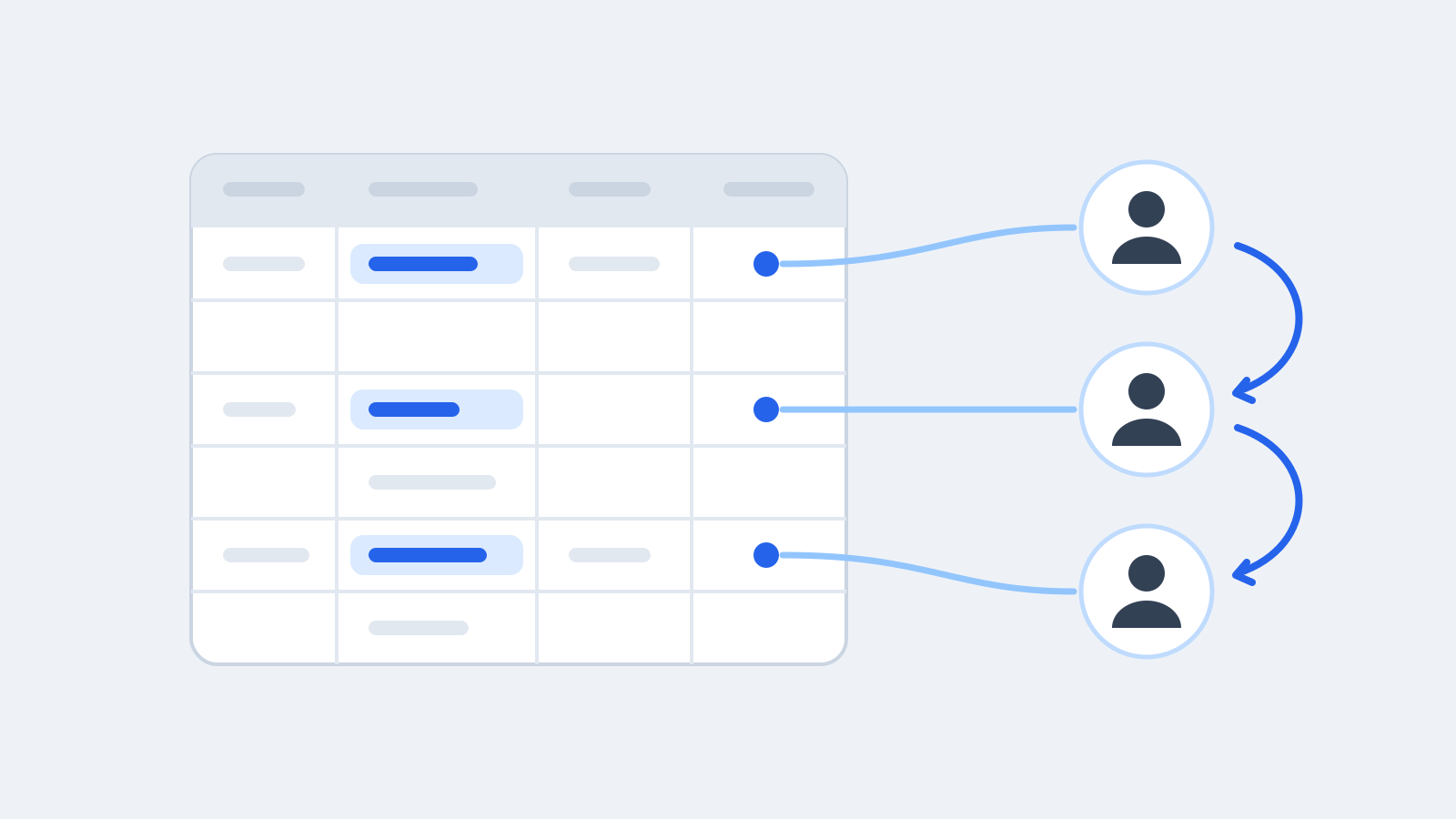
Almost every cross-functional programme grows one. It starts as a quick list in a shared sheet: what needs to happen, who has it, when it is due. Within a few weeks it is the document everyone opens before the weekly meeting, and the person who maintains it has become the programme's memory.
That spreadsheet is not a mistake. It is a symptom, and a useful one.
What the spreadsheet gets right
Teams reach for a spreadsheet because it does several things very well:
- It holds the work between the tickets. The follow-ups, approvals, open questions and promises that never quite fit in a ticketing tool have somewhere to live.
- It fits how the team already thinks. Add a column for whatever matters this quarter. Nobody has to configure anything.
- Everyone can read it. One shared grid, one view of the situation, no training needed.
- It is fast. Updating a row takes seconds.
Any replacement that loses these qualities will be worked around, and the spreadsheet will quietly come back.
Where it stops scaling
The same qualities become the problem as the programme grows.
It depends on one person keeping it alive
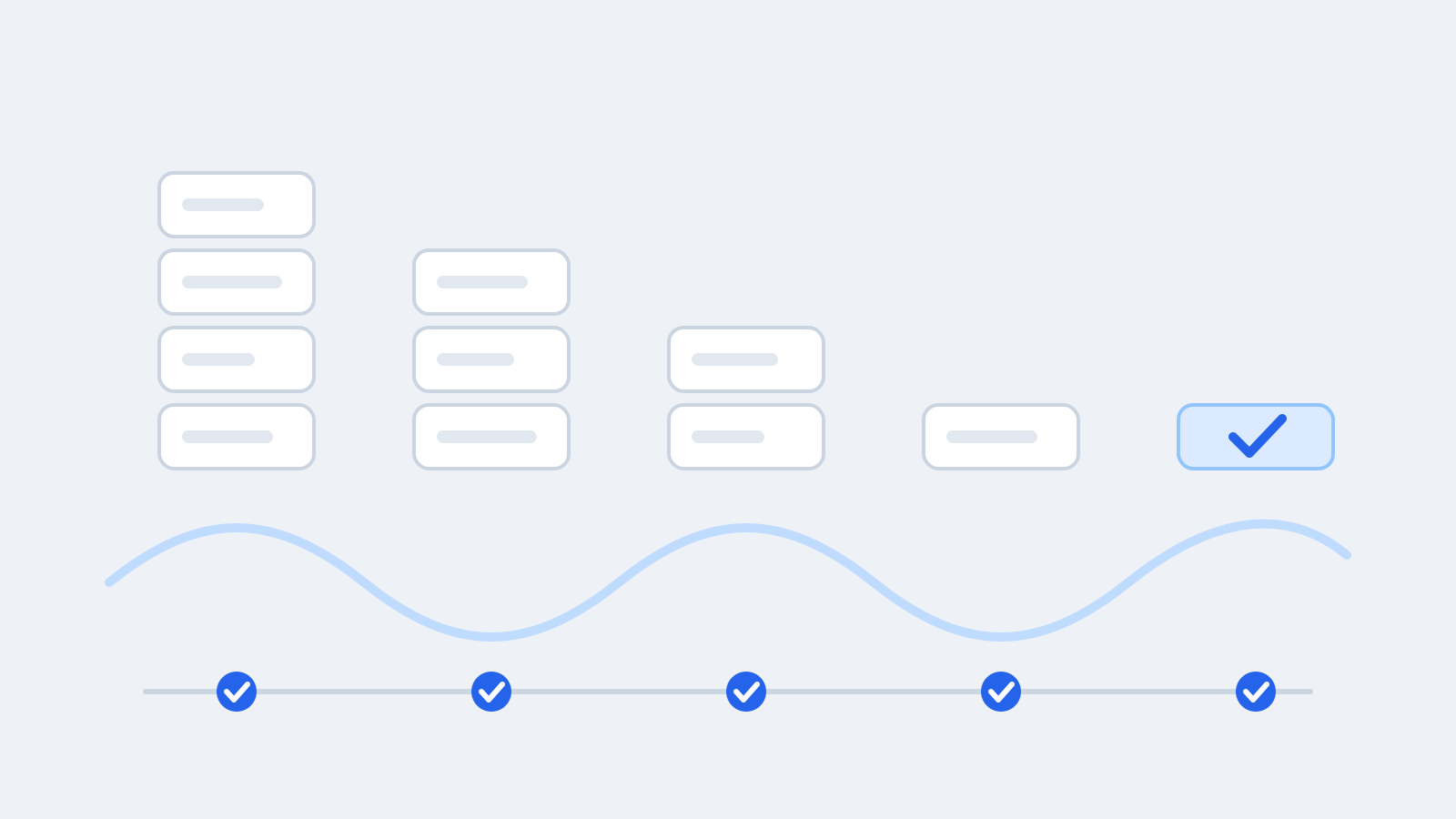
A spreadsheet does not ask anyone to update it. It is accurate exactly as often as its maintainer chases people for updates, usually just before a meeting. Between meetings it drifts.
Ownership and dates are free text
"Finance / Sam?" in an owner cell is not ownership. A date column that is sometimes blank, sometimes "next week" and sometimes "TBC" cannot tell you what is overdue. The sheet records what people typed, not whether the record is complete.
Every kind of item looks the same
An action, a blocker, a promise and a pending decision all become one row with a status column. But they end in different ways: an action is done, a blocker is resolved, a commitment is kept or renegotiated, a decision is made and recorded. When the sheet cannot tell them apart, the important ones are easy to miss.
History is overwritten
When a decision changes, the cell is edited. The earlier answer, and the reason it changed, are gone.
Personal views break the shared view
Someone sorts by date, someone else hides three columns, and the grid in the meeting no longer matches the one people were reading yesterday.
What to keep when you move beyond it
Whether or not you change tools, these are the habits worth preserving from the best coordination spreadsheets:
- One grid per piece of work that everyone reads the same way. Agree the columns and their order together.
- Columns that fit the work. Add the fields your team actually tracks, rather than forcing the work into a fixed template.
- Personal views that do not change anyone else's. People should be able to filter and sort for themselves without rearranging the shared view.
- A real owner and a real date on every promise. Treat "TBC" as a gap to close, not a value.
- Keep the process light. The point is follow-through, not more reporting. If updating the system feels like a chore, the system is too heavy.
Where RapidAction fits
RapidAction keeps what works about the spreadsheet and adds what it lacks. Each project runs from a shared, spreadsheet-like Work Grid: owners, phases, target dates, notes and your own custom columns, with links to tickets that live in other tools. Column order and visibility are shared, so everyone reads the same grid, and you can save your own filters and sorts without changing anyone else's. Actions, Blockers, Commitments and Decisions sit on the work items they belong to, each with its own way of being closed.
It works alongside the tools your team already uses; it does not replace your ticketing system. If that sounds like the spreadsheet your team keeps rebuilding, request early access or talk to the founder.